Login
Login
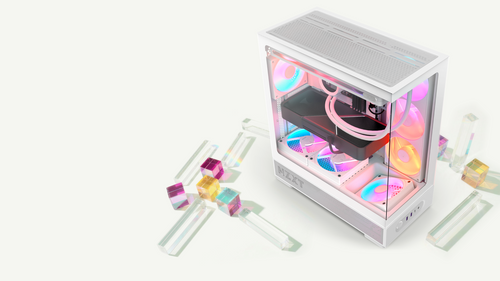
Vertical GPU Mounting: Compatibility, Riser Spec and Limits

Short answer: The NZXT Vertical GPU Mounting Kit has been discontinued. For a vertical graphics card in a new NZXT build, the H2 Flow does it as standard, with three vertical expansion slots and a PCIe Gen 5.0 x16 riser cable in the box. If you already own a kit, it fits most full-size ATX cases released since 2022, starting with the updated H5 and H7 series, plus the H6. It does not fit the H510, the H710, or the H3 Flow. The kit's riser is PCIe Gen 4.0 x16, it takes cards up to 3 slots wide, and it supports one card only.
Mounting the graphics card vertically is the fastest way to change how a build looks, since it turns the card from an edge-on shape into the centrepiece. There are two routes to it in an NZXT case, and which one applies depends on whether you are building fresh or already have a mounting kit in a drawer.
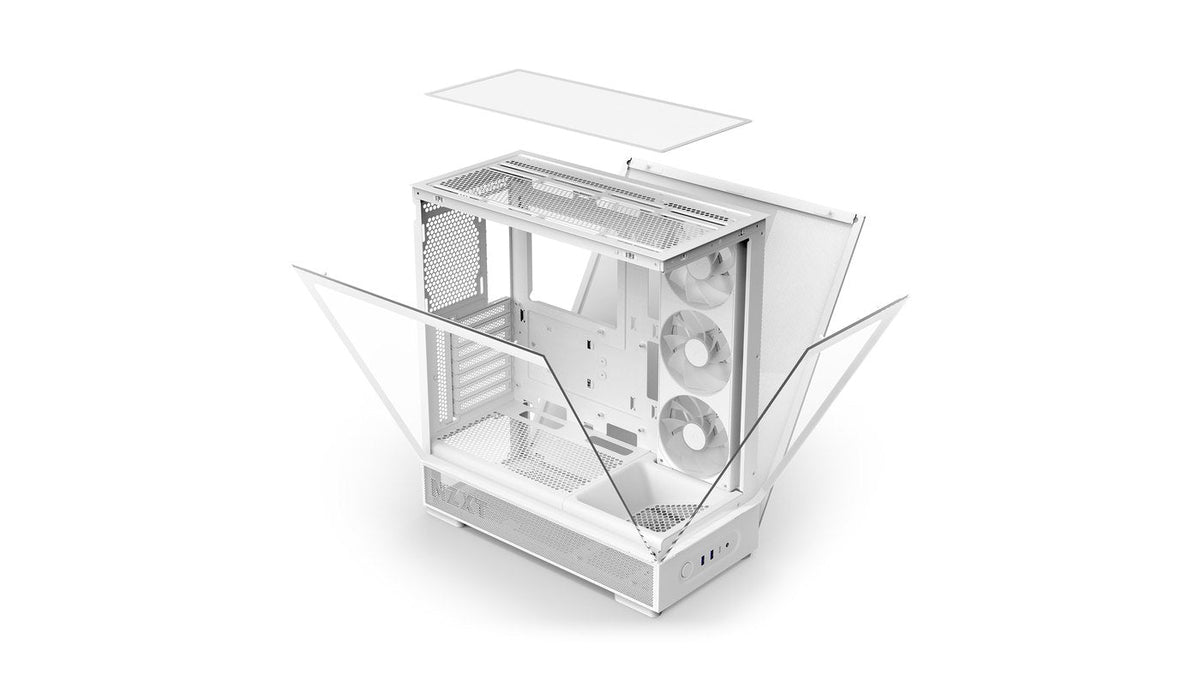
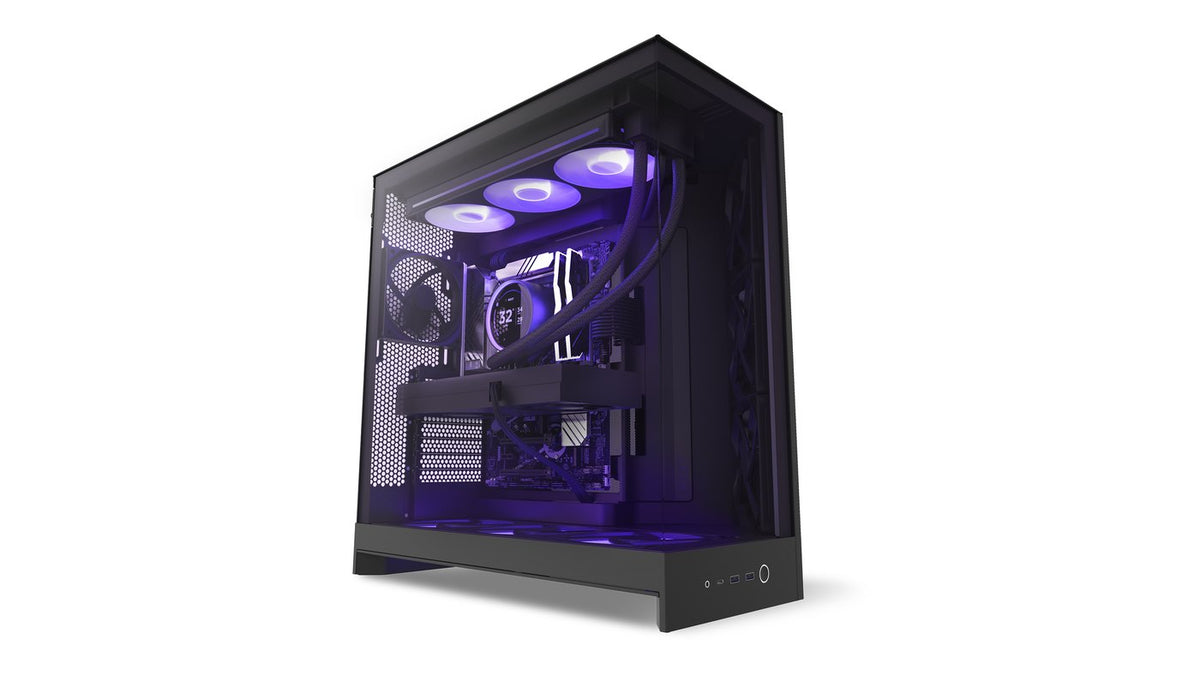
The current route: the H2 Flow
The Vertical GPU Mounting Kit and the standalone NZXT PCIe Riser Cable have both been discontinued, so a vertical card in a new NZXT build means a case built around one. That is the H2 Flow: a 20.7 L mini-ITX case with three vertical expansion slots and a 260mm PCIe Gen 5.0 x16 riser cable included, so a Gen 5 card runs at full link speed rather than dropping to Gen 4. It takes graphics cards up to 331mm long, 65mm thick and 150mm wide, and a radiator up to 280mm in the front.
Everything below is the compatibility reference for people who already own a Vertical GPU Mounting Kit. Support still handles these questions, so if you have a kit and a case and want it confirmed, just ask.
Which NZXT cases the kit fits
If you already have a kit, it works with most full-size ATX cases from 2022 onwards, including the H6. Older models such as the H510 and H710 are not compatible, and neither is the H3 Flow, which does not have enough expansion slots for the bracket.
| Case series | Models | Note |
|---|---|---|
| H6 (2026) | H6, H6 RGB+ | Kit needs date code 2024 or newer |
| H9 Flow series | H9 Flow, H9 Flow RGB, H9 Flow RGB+ | Kit needs date code 2024 or newer |
| H7 Flow series | H7 Flow, H7 Flow RGB | Kit needs date code 2024 or newer |
| H6 Flow series | H6 Flow, H6 Flow RGB | Kit needs date code 2024 or newer |
| H5 Flow series | H5 Flow, H5 Flow RGB | Kit needs date code 2024 or newer |
| H9 series (2023) | H9 Flow, H9 Elite | Compatible |
| H7 series (2022/2023) | H7, H7 Flow, H7 Flow RGB, H7 Elite | Compatible |
| H5 series (2022/2023) | H5 Flow, H5 Flow RGB, H5 Elite | Compatible |
| H3 Flow | H3 Flow | Not compatible - 4 expansion slots, the kit needs 7 |
| H2 Flow | H2 Flow | Kit not needed - vertical by design, PCIe 5.0 riser included |
The date code catch
This is the one that surprises people. Some earlier Vertical GPU Mounting Kits made during 2022 and 2023 do not fit correctly in the newer cases, because of manufacturing tolerances on those early runs. The tooling was updated in early 2024 to fix it.
So if you are pairing a kit with one of the newer cases, you need a kit made in 2024 or later.
How to read the date code
The date code is in the kit's serial number. Start at the third digit and read up to the N. The first two of those digits are the year, and what follows before the N is the month.
So a code of 224 means April 2022. Anything starting 24 or later is from the updated tooling.
Riser cable specification
The riser cable included with the kit, and the standalone NZXT PCIe Riser Cable, are PCIe Gen 4.0 x16.
It is backwards compatible with earlier PCIe generations, running at the speed of whatever slot it is plugged into. It also physically works in a PCIe Gen 5 x16 slot, but it will run at Gen 4.0 x16 speeds rather than Gen 5.
For gaming this is rarely a practical problem, since current cards do not saturate a Gen 4 x16 link. It matters only if you specifically want a Gen 5 card running at full link speed, which is the case the H2 Flow's own riser covers.
There is one exception in the current range. The H2 Flow ships with its own 260mm PCIe Gen 5.0 x16 riser cable as part of the case, so a Gen 5 card mounted vertically in an H2 Flow runs at full Gen 5 link speed. That riser is backwards compatible with PCIe 3.0 and 4.0.
Two hard limits
Card thickness: 3 slots maximum
The kit supports standard graphics cards up to 3 slots wide. Cards thicker than that are not recommended. Some current flagship cards exceed this, so measure before you fit one.
One card, and one card only
Because of how the bracket mounts in the case, you cannot use the Vertical GPU Mounting Kit alongside other expansion cards. No capture card, no Wi-Fi or Bluetooth adapter, no sound card. The kit supports a single connected device.
If you rely on an add-in card for anything, this is the constraint that decides it for you.
Using it in a non-NZXT case
It may work, depending on how the case is built. The features that matter:
- At least 7 horizontally mounted expansion slots
- No dividers between the expansion slots
- An internal flat surface for the included adjustable foot, such as a power supply shroud. Not strictly required, but without it the bracket can flex or move
There is no complete list of compatible third-party cases, so this is a judgement call against your specific case.
A thermal note worth making
Mounting a card vertically moves its intake much closer to the side panel. On cases with a solid or tempered glass side, that can restrict airflow to the card and raise temperatures. The supported cases are all built around airflow, which is part of why they are the supported ones. If you notice higher GPU temperatures after going vertical, that is the mechanism, and it is worth checking clearance between the card and the panel.
Frequently asked questions
Can I still buy the Vertical GPU Mounting Kit?
No. The kit and the standalone NZXT PCIe Riser Cable have both been discontinued. For a new build with a vertical graphics card, the H2 Flow is the current option, and it includes its own PCIe Gen 5.0 x16 riser.
Does vertical mounting hurt GPU temperatures?
It can, because the card sits closer to the side panel and has less room to breathe. How much depends on the case and the gap. Watch your temperatures under load after installing.
Will the kit fit my H510 or H710?
No. The kit is not compatible with those older models. Compatibility starts with the updated H5 and H7 series from 2022.
Does the kit fit the H6?
Yes, with a kit dated 2024 or newer. The H6 has the seven expansion slots the bracket needs.
Does the kit fit the H3 Flow?
No. The H3 Flow has four expansion slots and the kit needs seven, so there is nothing for the bracket to mount to.
What about the H2 Flow?
The H2 Flow does not use this kit and does not need it. It is built around a vertical graphics card already, with three vertical expansion slots and a 260mm PCIe Gen 5.0 x16 riser cable in the box, which makes it the current answer for a vertical build.
Is the riser PCIe 5.0?
The kit's riser and the standalone PCIe Riser Cable are Gen 4.0 x16. They work in a Gen 5 slot but run at Gen 4 speeds. The riser included with the H2 Flow is a different cable and is PCIe Gen 5.0 x16.
Can I use a capture card as well as a vertical GPU?
No. The kit occupies the expansion slot area in a way that rules out any second card.
How do I know if my kit is a 2024 or newer version?
Read the date code from the serial number, starting at the third digit through to the N. The first two are the year. A code beginning 24 or higher is from the updated tooling.
What is the maximum GPU size?
Standard cards up to 3 slots wide. Length is limited by your case rather than the kit, so check the maximum GPU clearance for your specific model.
Not sure if yours fits?
If you own a kit, send us your case model and the serial number from it and we will confirm the fit. If you are planning a vertical build from scratch, tell us the card you want to run and we will tell you whether it clears in an H2 Flow. Our team is at NZXT Support.
Building vertical from scratch

H2 Flow
Vertical by design, with three vertical slots and a 260mm PCIe 5.0 riser already in the box. Nothing to source, nothing to adapt.
See the H2 FlowExplore the lineup: NZXT PC cases and NZXT parts and accessories.