Zaloguj się
Kraken Elite vs Plus vs Core: Which NZXT AIO Should You Buy?
NZXT Kraken liquid coolers come in three tiers: Kraken Elite, Kraken Plus, and Kraken Core. All three share the same basics: pre-applied thermal paste, tool-free brackets, minimal cabling, and reinforced tubing. The difference is how much display, control, and cooling headroom you want.
Short answer: pick Elite for the strongest cooling and the biggest screen, Plus for a smaller screen and adjustable pump in more sizes, and Core for clean RGB lighting you run straight from your motherboard.

Kraken Elite vs Plus vs Core at a glance
| Kraken Elite | Kraken Plus | Kraken Core | |
|---|---|---|---|
| Pump cap | Round 2.72-inch IPS LCD, 640 x 640, 60 Hz | Square 1.54-inch TFT LCD, 240 x 240, 30 Hz | RGB lighting, no display |
| Pump speed | 1,200 to 2,800 RPM, adjustable | 1,200 to 2,800 RPM, adjustable | 3,100 RPM, fixed |
| RGB | Pump cap ring and fans | Fans only | Pump cap and fans |
| Radiator sizes | Non-RGB: 240, 360 mm RGB: 240, 280, 360, 420 mm |
Non-RGB: 240, 280, 360 mm RGB: 240, 360 mm |
RGB: 240, 360 mm |
| Colors | Black and white | Black and white | Black |
| Control | NZXT CAM | NZXT CAM | Motherboard 5V ARGB header |
| Best for | Heavy workloads, maximum customization | Balanced builds | Reliable everyday builds |
Kraken Elite: the strongest cooling and the biggest screen
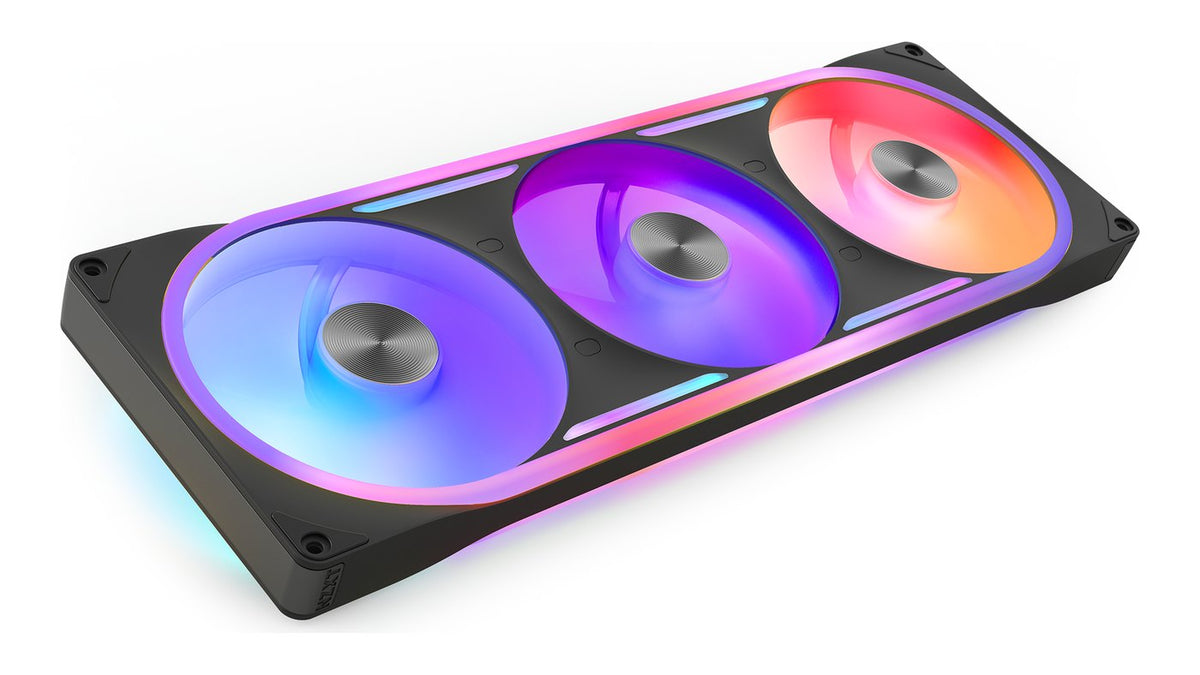
Elite runs the NZXT Turbine pump for high flow and pressure, so it keeps powerful CPUs cool while staying quiet. Its 2.72-inch round LCD shows system stats, GIFs, or integrations like Spotify and YouTube through NZXT CAM. It is also the only Kraken offered in a 420 mm size, paired with the F420 RGB Core fan.
See the Kraken Elite 420 RGB, Kraken Elite 360, and Kraken Elite 240 RGB.
Kraken Plus: a display and adjustable pump in more sizes
Plus uses the NZXT Turbine pump at 1,200 to 2,800 RPM with a 1.54-inch square LCD for temps or animations in CAM. It is the only tier with a non-RGB 280 mm option, and its 56 x 56 mm split-flow copper cold plate fits Intel LGA 1851, 1700, 1200, and 115X plus AMD AM5 and AM4.
See the Kraken Plus 360, Kraken Plus 240, and Kraken Plus 360 RGB.
Kraken Core: simple RGB, no software needed
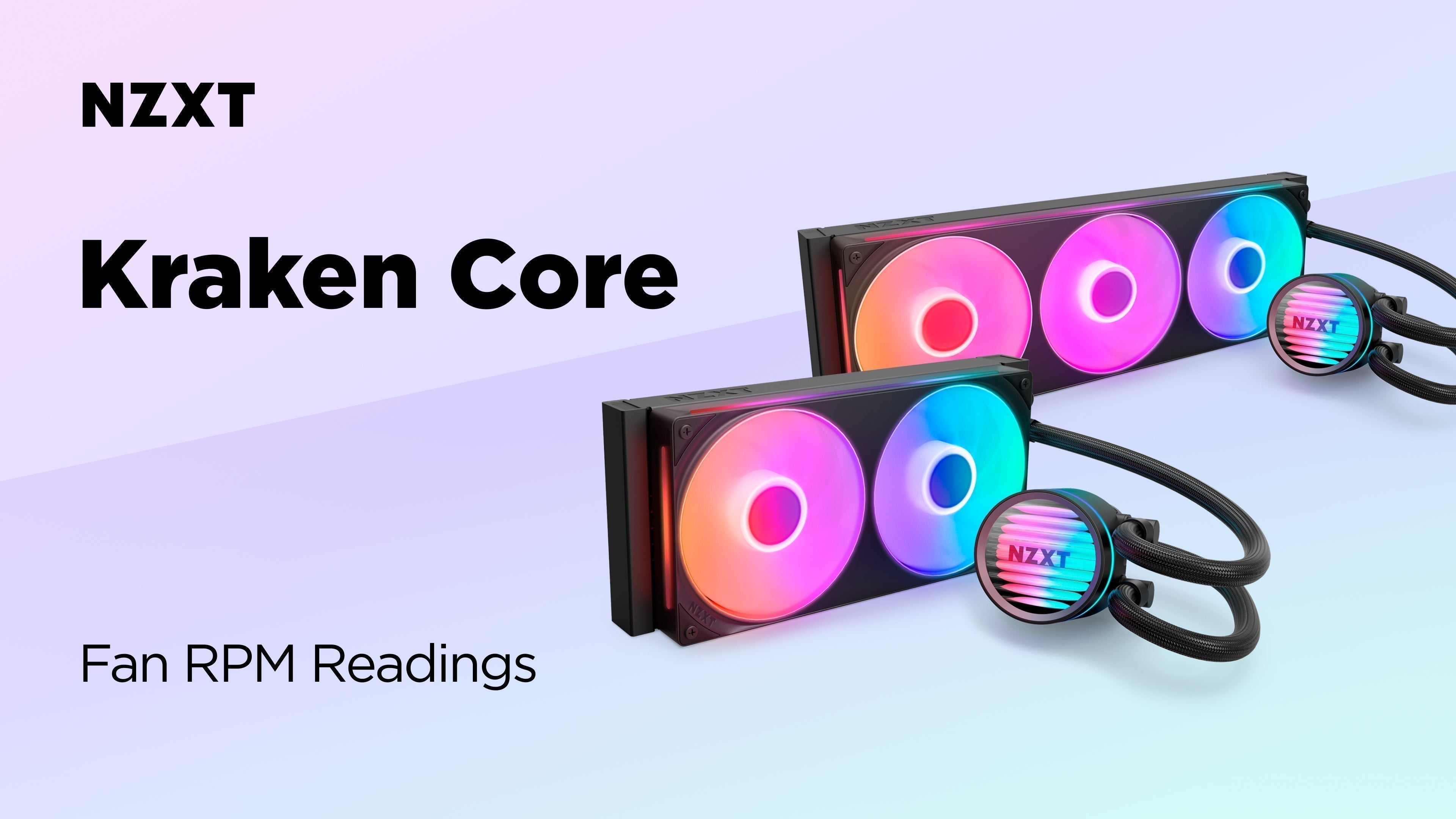
Core runs a fixed 3,100 RPM pump with PWM fans for steady cooling. Lighting and fans run from your motherboard's 5V ARGB header, with no NZXT controller or CAM required. It comes in black with RGB fans in 240 and 360 mm.
See the Kraken Core 240 RGB and Kraken Core 360 RGB.
Which Kraken should you buy?
Choose Elite if you want the strongest cooling, the largest screen, or a 420 mm radiator.
Choose Plus if you want a display and an adjustable pump, or a non-RGB 280 mm cooler.
Choose Core if you want RGB lighting and simple motherboard control without a display.
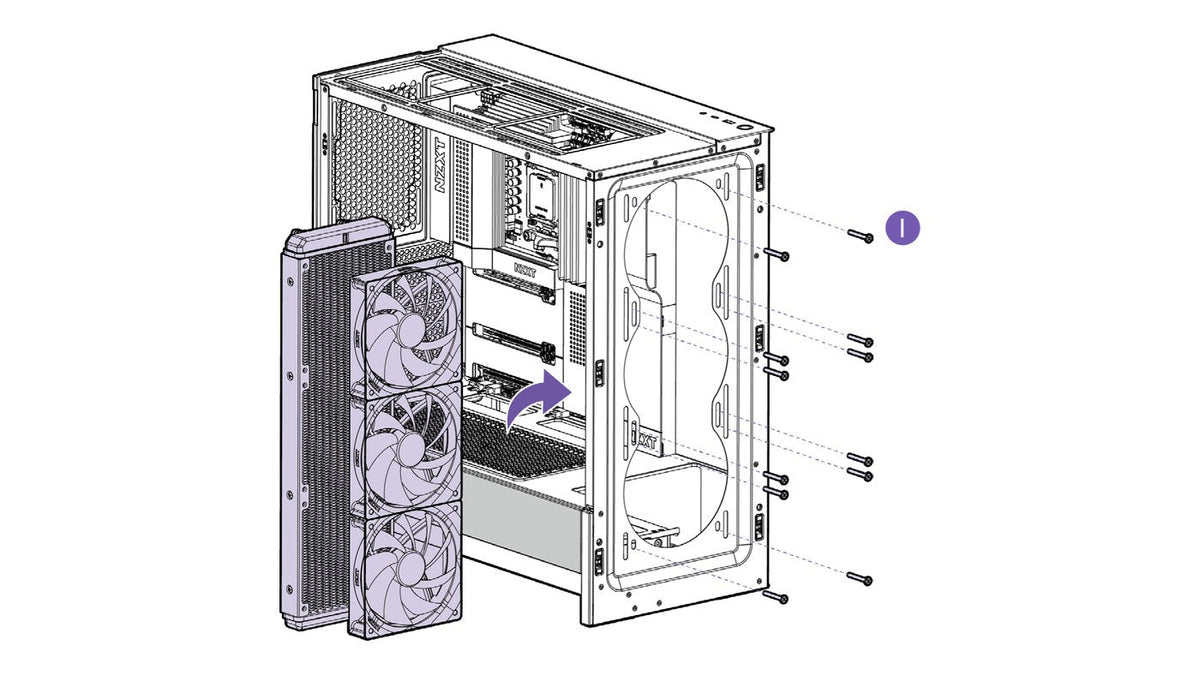
Not sure on size? Start with 240 vs 280 vs 360 vs 420mm AIO, then check radiator fit in our AIO radiator mounting guide. Browse every model in Kraken AIO coolers.
Frequently asked questions
What is the difference between Kraken Elite and Kraken Plus?
Elite has a larger 2.72-inch round IPS display at 640 x 640 and 60 Hz, an RGB ring on the pump cap, and a 420 mm option. Plus has a 1.54-inch square display at 240 x 240 and 30 Hz. Both use an adjustable 1,200 to 2,800 RPM pump.
Does Kraken Core have a display?
No. Kraken Core has an RGB-lit pump cap instead of an LCD, and you manage its lighting and fans through your motherboard's 5V ARGB header.
Which Kraken comes in 420 mm?
Only Kraken Elite, as the Kraken Elite 420 RGB.
Which Kraken comes in 280 mm?
Kraken Elite RGB and the non-RGB Kraken Plus 280.
Do Kraken coolers support AM5 and LGA 1851?
Yes. Kraken Plus, for example, supports Intel LGA 1851, 1700, 1200, and 115X plus AMD AM5 and AM4. Check each product page for the full socket list.