로그인
로그인
Guides


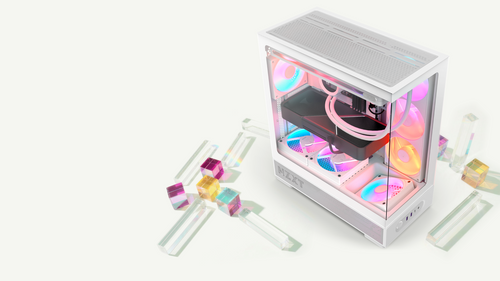
듀얼 챔버 케이스는 파워 서플라이와 케이블을 후면 공간으로 옮겨, 책상 위 폭을 조금 더 쓰는 대신 케이블 정리가 쉬워지고 메인 챔버가 깔끔해집니다.
더 알아보기
How to Enable XMP or EXPO (and Whether You Should)
Most memory does not run at its advertised speed out of the box. Turning on the profile takes about a minute. Here is what you gain and what it costs.
더 알아보기
Where Should You Mount an AIO Radiator? Top, Front, or Bottom
Radiator placement affects how long your cooler lasts, not just how cool it runs. Here is the rule that matters and why bottom mounting causes problems.
더 알아보기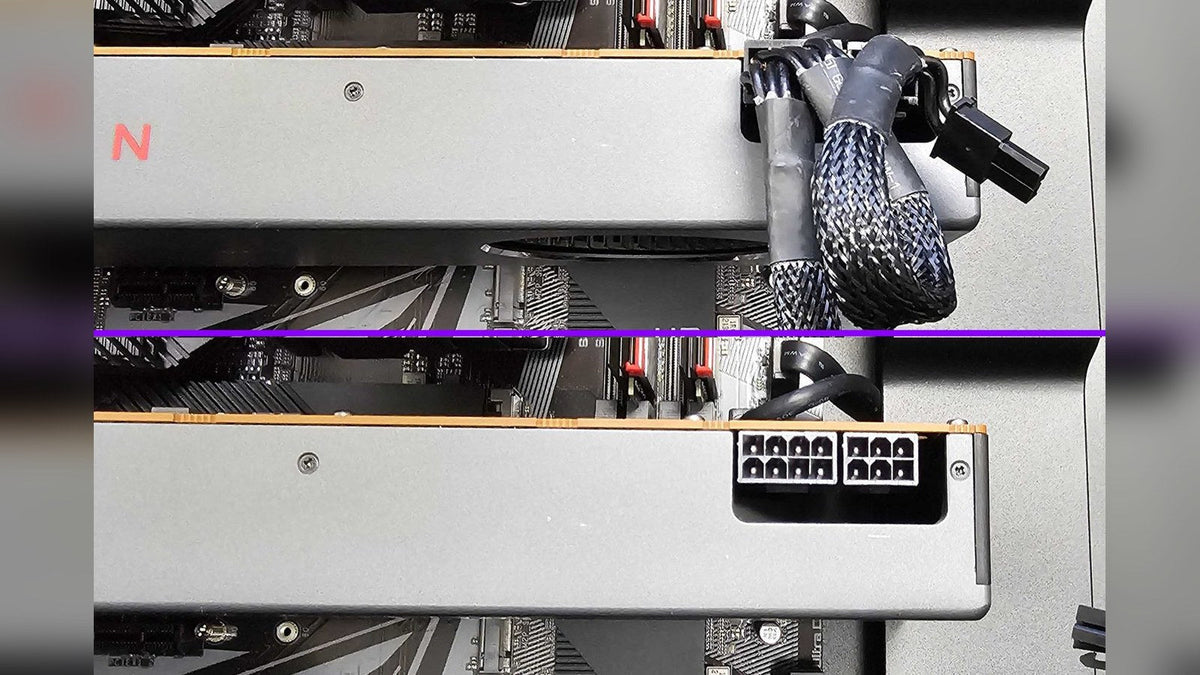
Why Is My Graphics Card Whining? Coil Whine Explained
One of the few PC noises that genuinely is not a problem, and one of the most alarming to hear on a brand new machine.
더 알아보기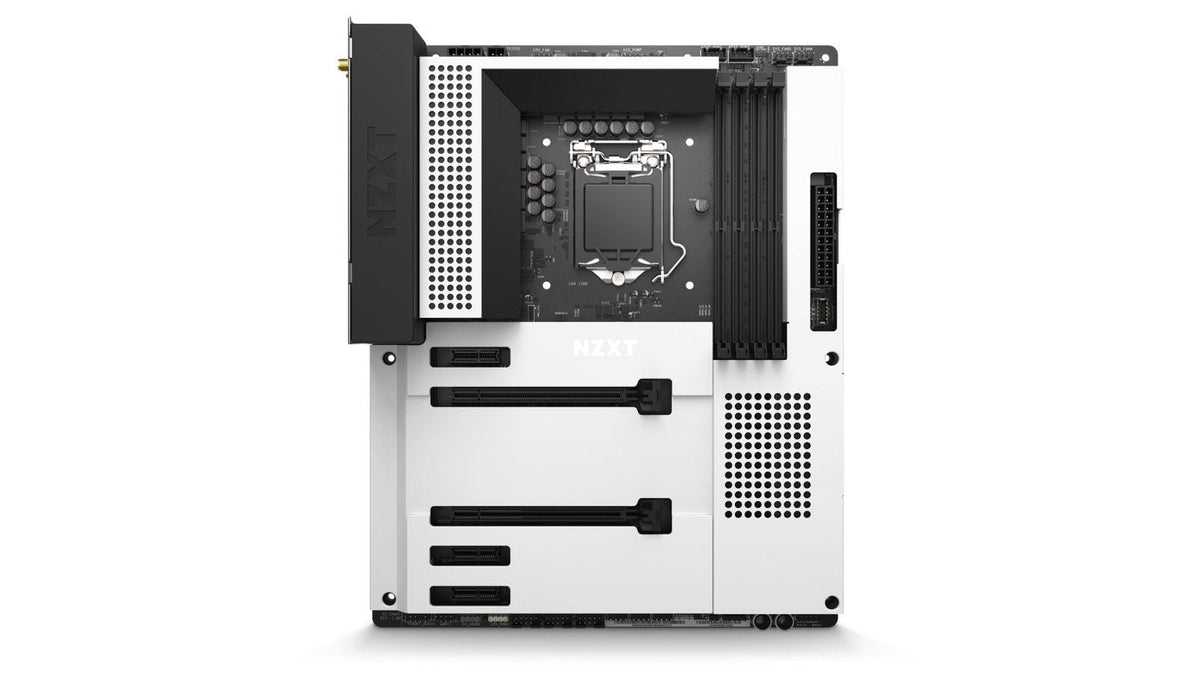
Motherboard Debug LEDs and POST Codes Explained
The most underused diagnostic tool on a motherboard. It turns a guessing game into a specific answer in about five seconds.
더 알아보기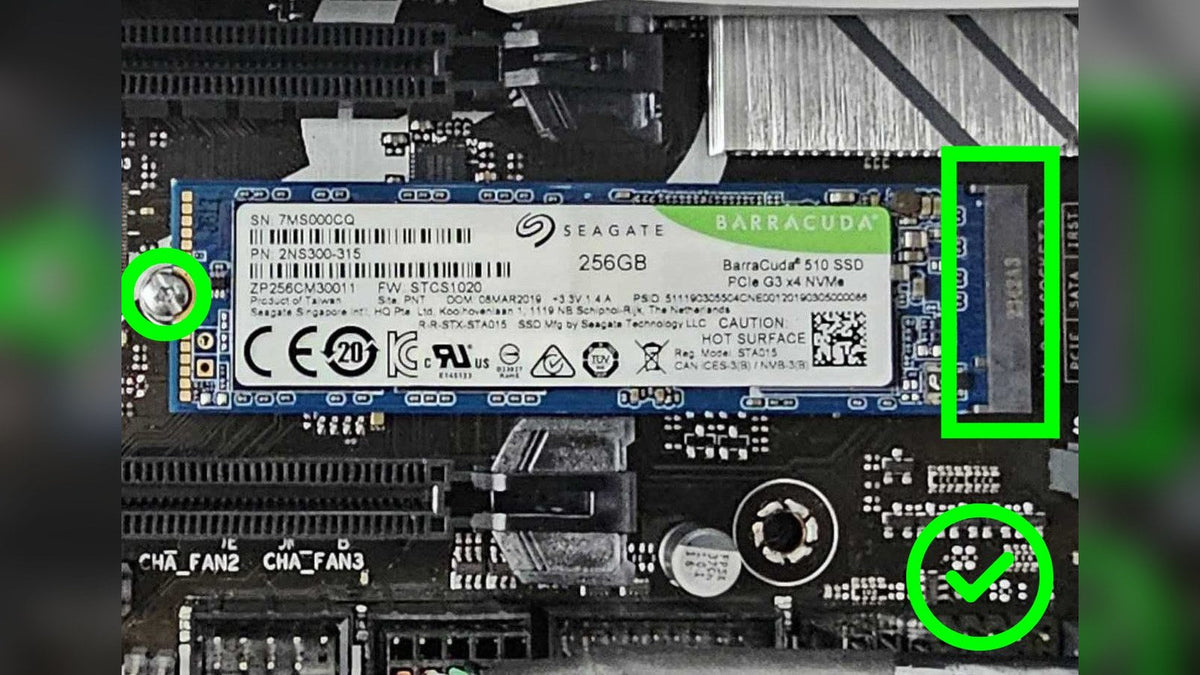
How to Add Storage to Your PC: M.2, SATA and External
The easiest upgrade there is, and the one most likely to be needed at short notice when a game update balloons past your free space.
더 알아보기
Is My AIO Cooler Failing? How to Diagnose It
An AIO has only three places it can fail, and you can check all of them in about ten minutes without removing anything.
더 알아보기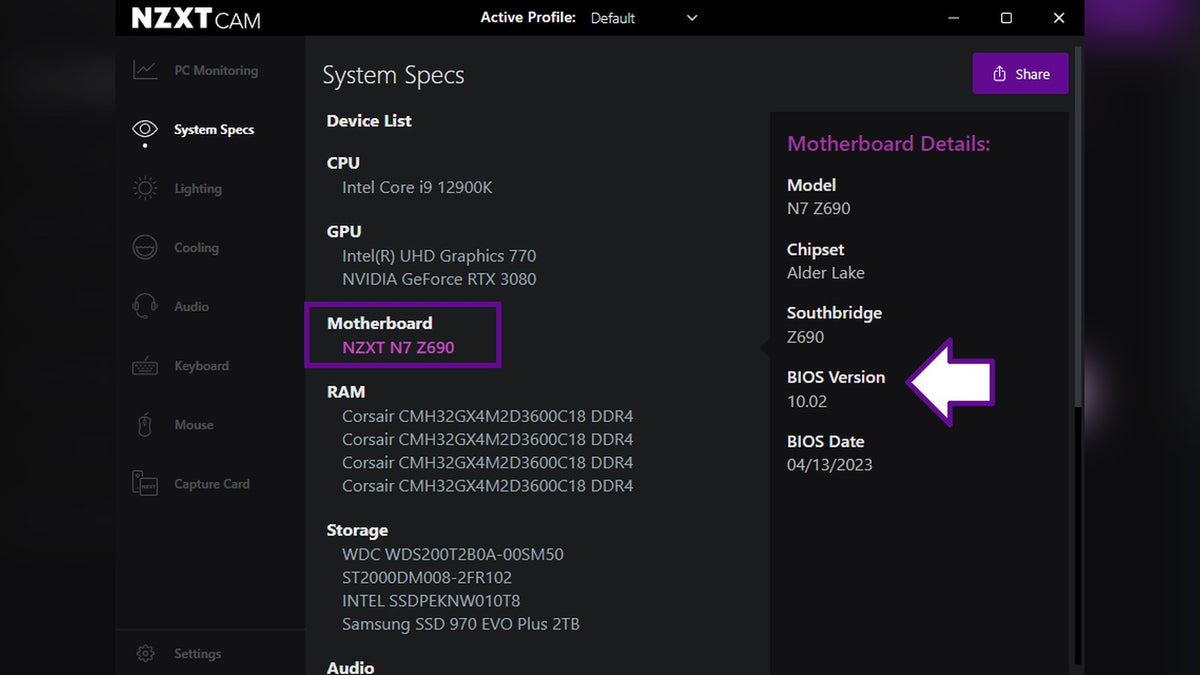
How to Update Your Motherboard BIOS Safely
It sounds risky and mostly is not, provided you do not interrupt it. Here is the whole process, including the step everyone skips.
더 알아보기
Front I/O Not Working: USB, Audio and Power Button Fixes
Front I/O covers several separate things behind one panel. They fail differently, so start by working out which one you have.
더 알아보기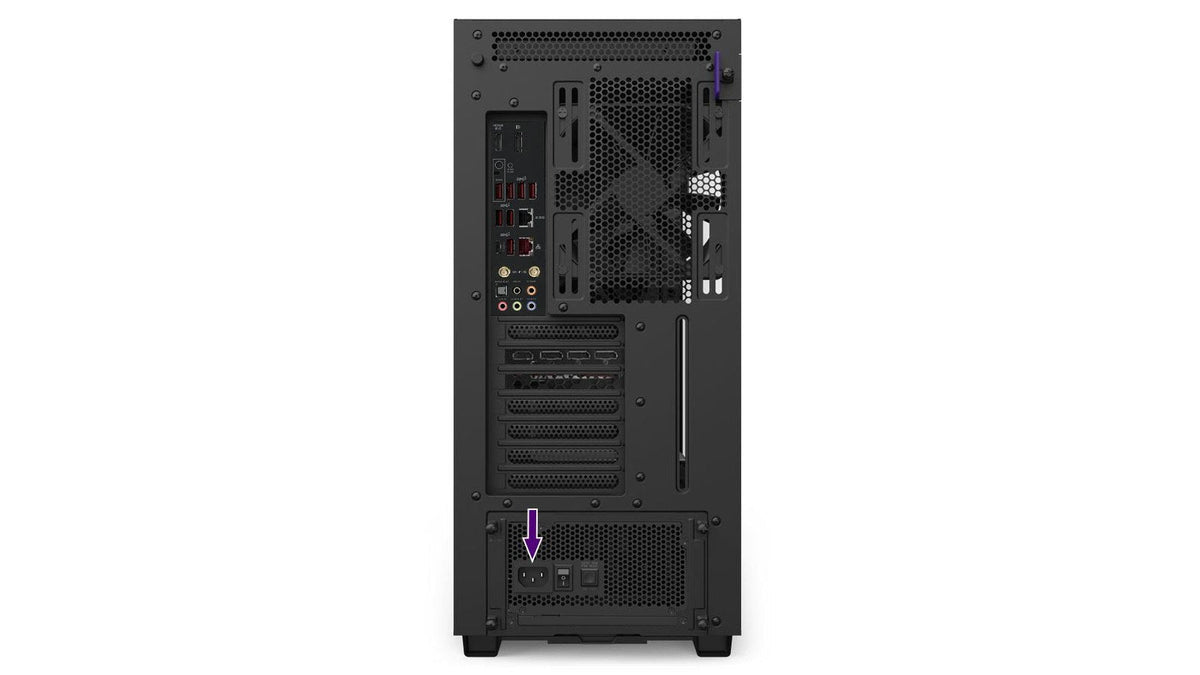
PC Won't Turn On? Work Through It in This Order
A dead PC and a PC that powers up but never shows you anything usually come down to the same short list. Here is the order to work through.
더 알아보기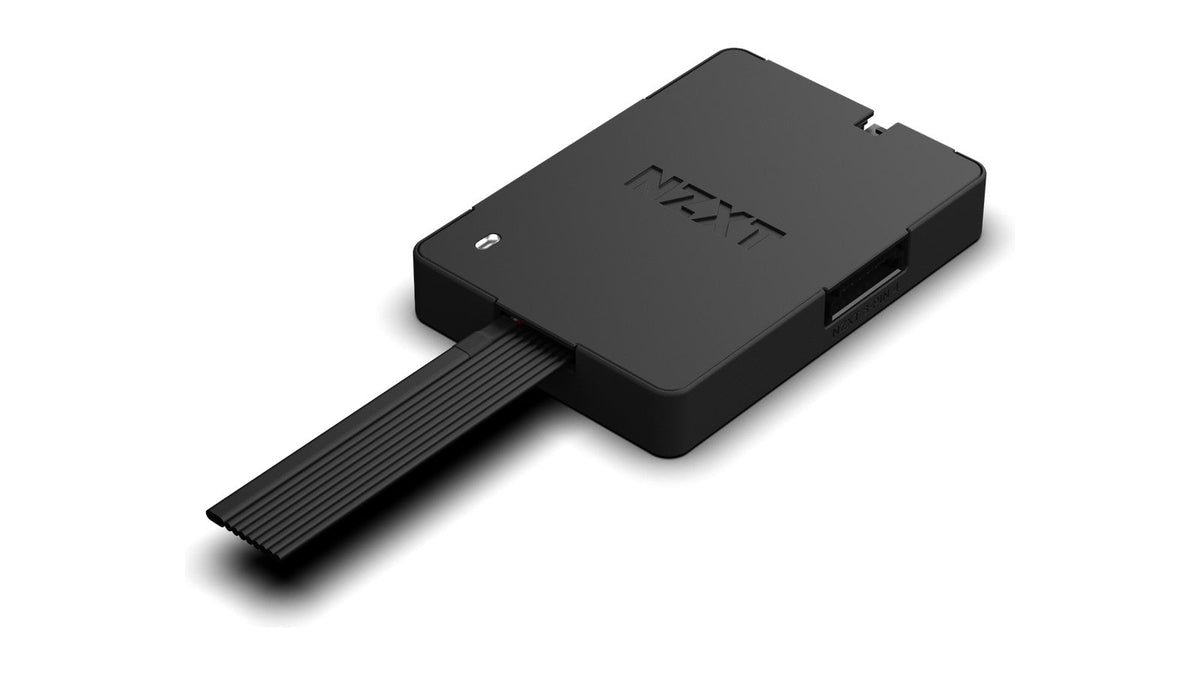
Fan Controller vs Fan Splitter: Which Do You Need?
They look similar, cost very different amounts, and are not interchangeable. Getting it wrong is a common route to melted cabling.
더 알아보기Recently viewed products