Login
Login
Guides
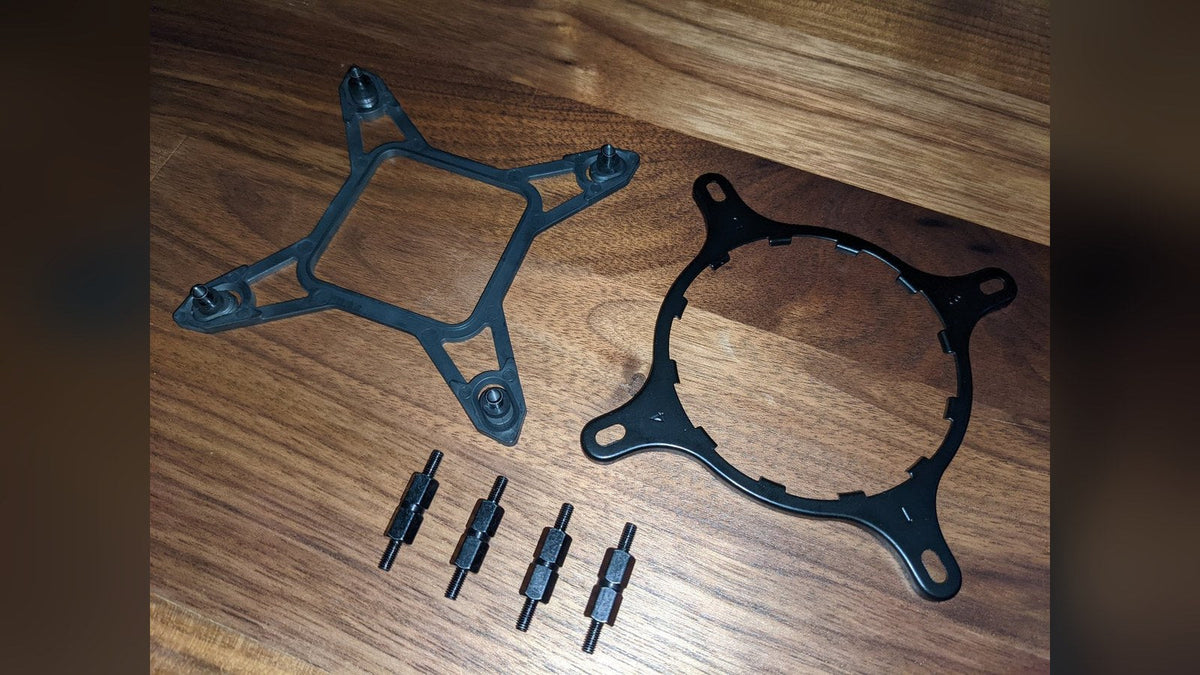
Will My Cooler Fit LGA 1851? NZXT Kraken Socket Compatibility
Your LGA 1700 bracket already fits LGA 1851. Here's which NZXT coolers support the socket and what older Kraken X and Z owners need.
Per saperne di più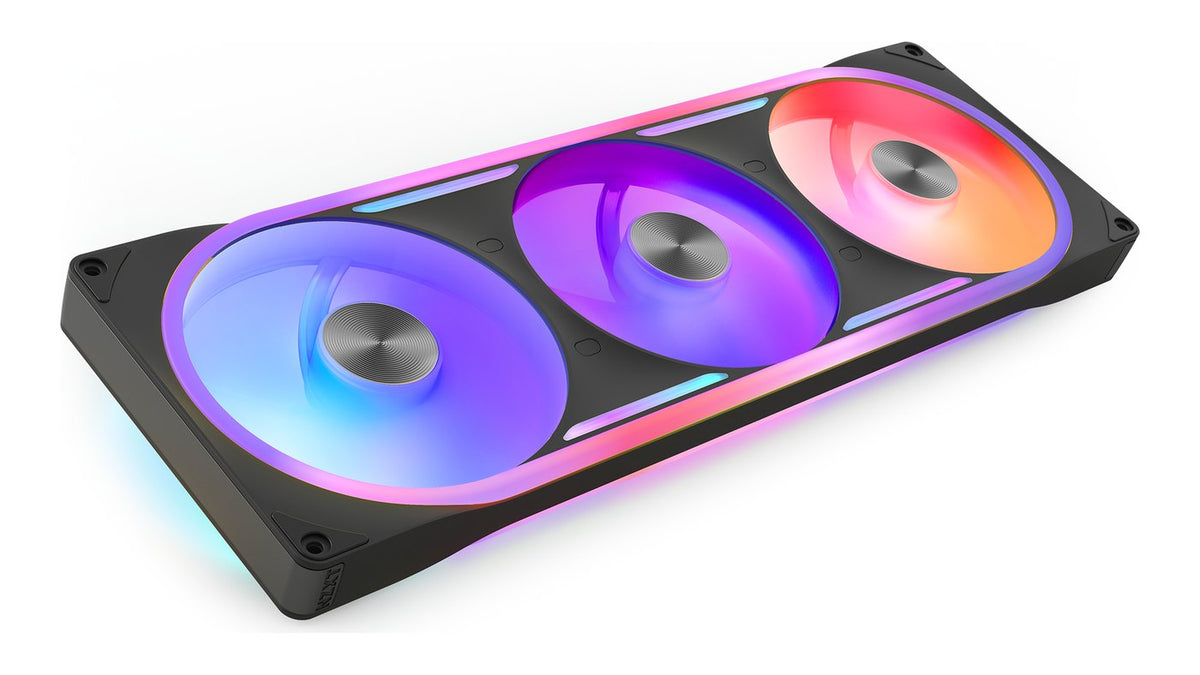
How to Connect RGB Fans: Motherboard, Controller or Control Hub
Motherboard header, controller or Control Hub? Here's how every current NZXT RGB fan connects, what the 8-pin cable does and the one wiring mistake to avoid.
Per saperne di più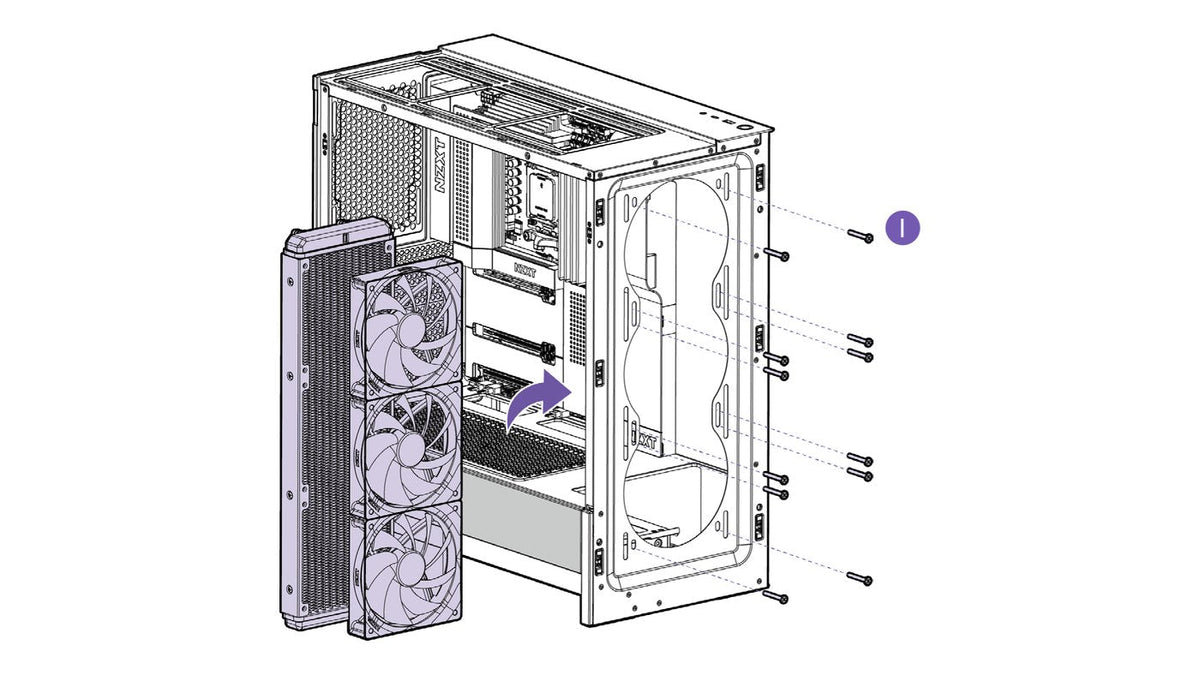
Is a Push-Pull Radiator Setup Worth It?
A second row of radiator fans sounds like free cooling. Here's what push-pull gains, how much space it needs and when a bigger radiator does more.
Per saperne di più
How to Put a GIF on Your NZXT Kraken Screen
Your Kraken screen can show any GIF you like. Here's how to set one up in NZXT CAM, make it fit the screen and pair it with live temps.
Per saperne di più
NZXT CAM Not Detecting Your Kraken or RGB Controller? How to Fix It
If CAM cannot see your Kraken or RGB controller, the cause is usually one of a few things. Work through these seven steps in order to find which one.
Per saperne di più
How to Install a Graphics Card: Remove, Seat and Power It
Check it fits, power down the right way, swap the card and connect power without mixing PSU cables. A step-by-step graphics card install.
Per saperne di più
Should Your AIO Pump Go on CPU_FAN or AIO_PUMP?
The right header depends on whether that 3-pin cable powers your pump or just reports its speed. Here's where every Kraken's pump and fans should plug in.
Per saperne di più
Is My PC Overheating? Safe CPU Temperatures and How to Check
High temps under load can be normal. High temps at idle aren't. Here's how to read your CPU temperature, what's safe and what to fix when it runs hot.
Per saperne di più
How to Install an AIO Liquid Cooler, Step by Step
An AIO install comes down to the same six steps every time. Here's each one, from the backplate to the BIOS setting that keeps your pump healthy.
Per saperne di più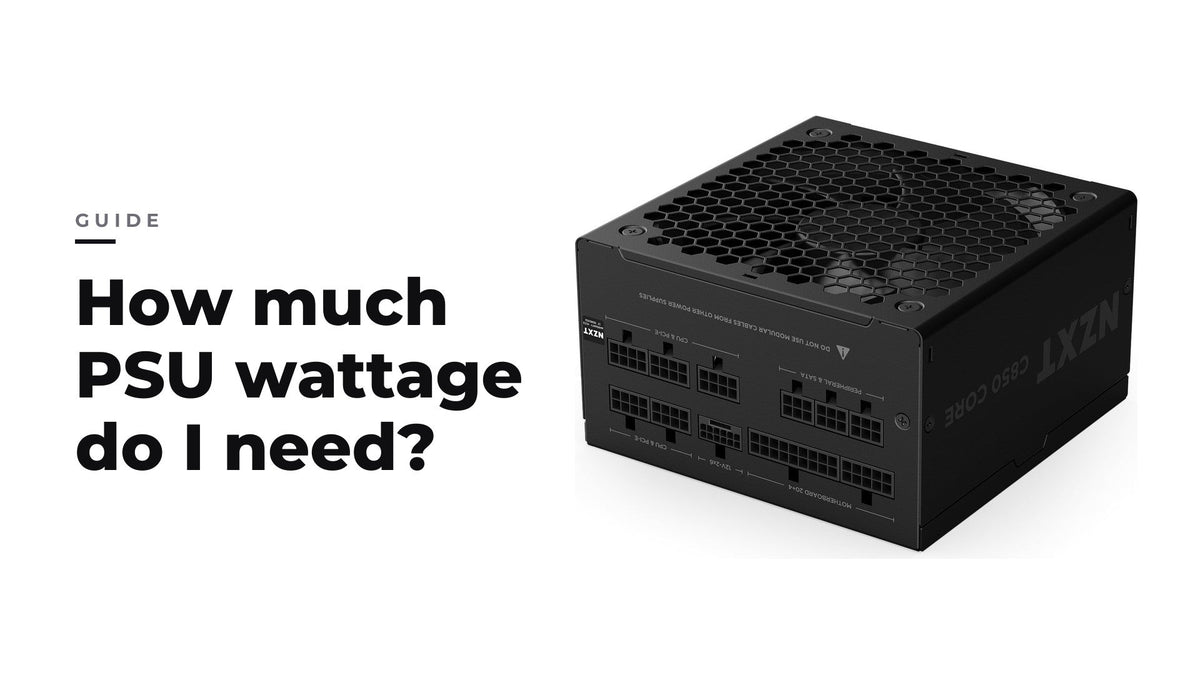
Di quanti watt deve essere il mio alimentatore?
Somma la potenza nominale di CPU e GPU più una quota per il resto del sistema, poi scegli un alimentatore che lavori con il tuo carico tipico intorno alla metà della sua potenza.
Per saperne di più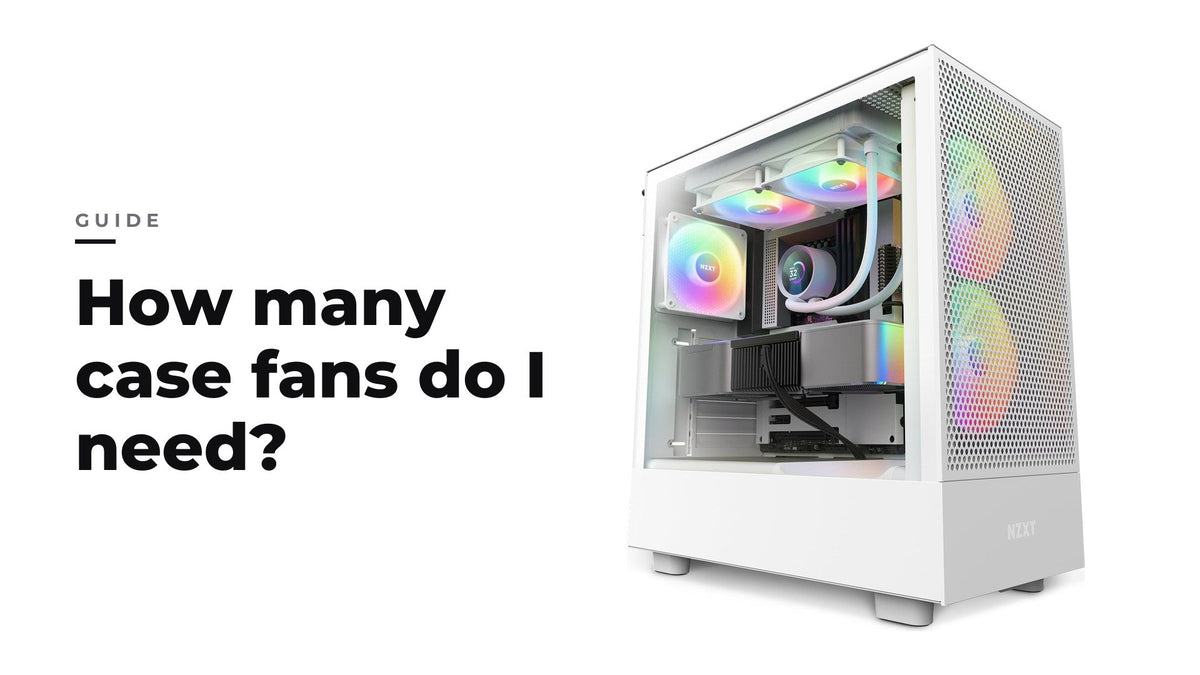
Quante ventole per case mi servono?
Tre o quattro ventole ben posizionate, con un po' più di aspirazione che di scarico, coprono la maggior parte delle build da gaming: il posizionamento conta più del numero.
Per saperne di più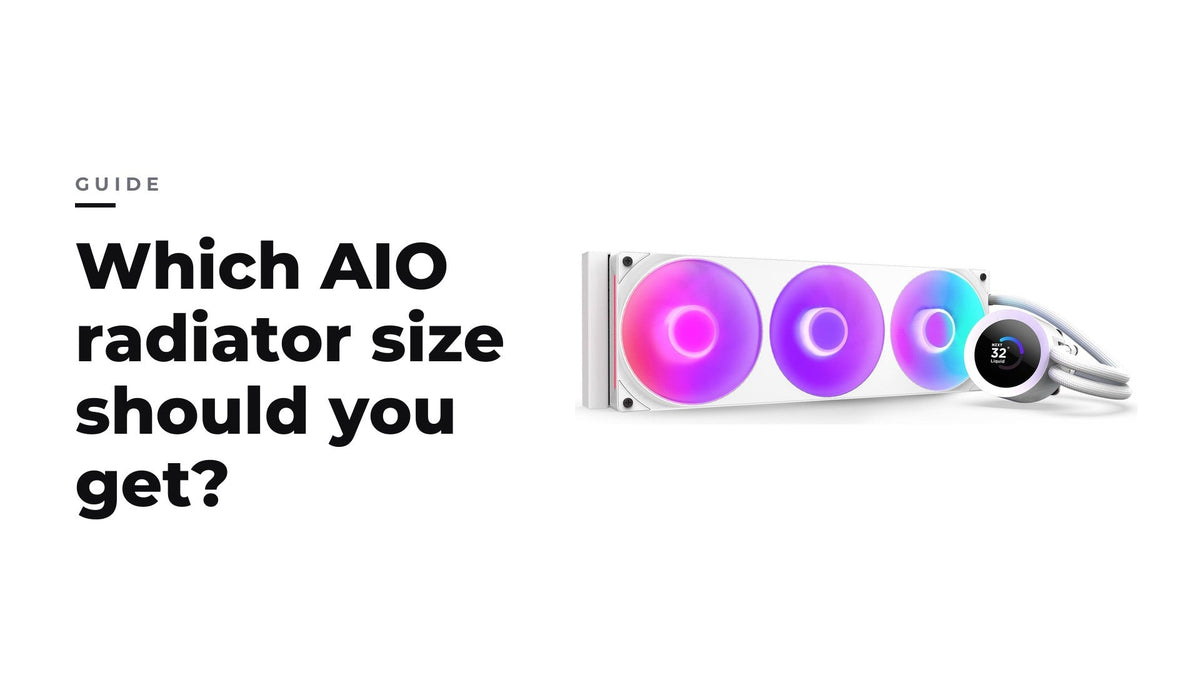
AIO da 240, 280, 360 o 420 mm: quale misura di radiatore scegliere?
Per la maggior parte delle build da gaming l'ideale è un AIO da 280 o 360 mm, con il 240 mm per le build compatte e il 420 mm quando il case ha spazio.
Per saperne di piùRecently viewed products