Login
Login
Is a Push-Pull Radiator Setup Worth It?

Short answer: For most builds, a bigger radiator is the better upgrade. Push-pull puts a set of fans on both sides of the radiator and usually gains only a few degrees, mostly by letting the fans spin slower and quieter. It also needs roughly 75-90mm of depth at the mounting position, so check your case first.
Push-pull looks great on paper: same radiator, twice the fans, more cooling. In practice the gain is small and finding the space is the bigger job. Here's how it works, which cases have room for it and when it's worth the effort.
What is a push-pull radiator setup?
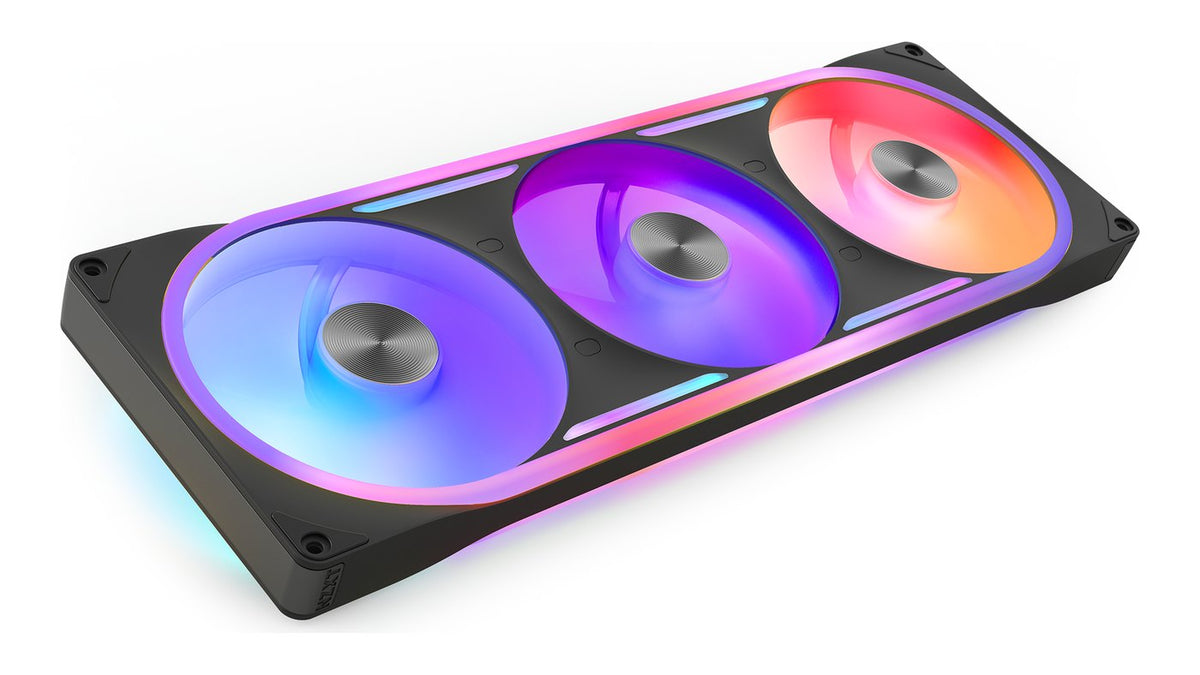
Fans can sit on a radiator two ways. In push, the fans blow air into the radiator. In pull, they sit on the far side and draw air through it. Push-pull uses both: one set of fans on each side, all moving air in the same direction, with the radiator sandwiched between them.
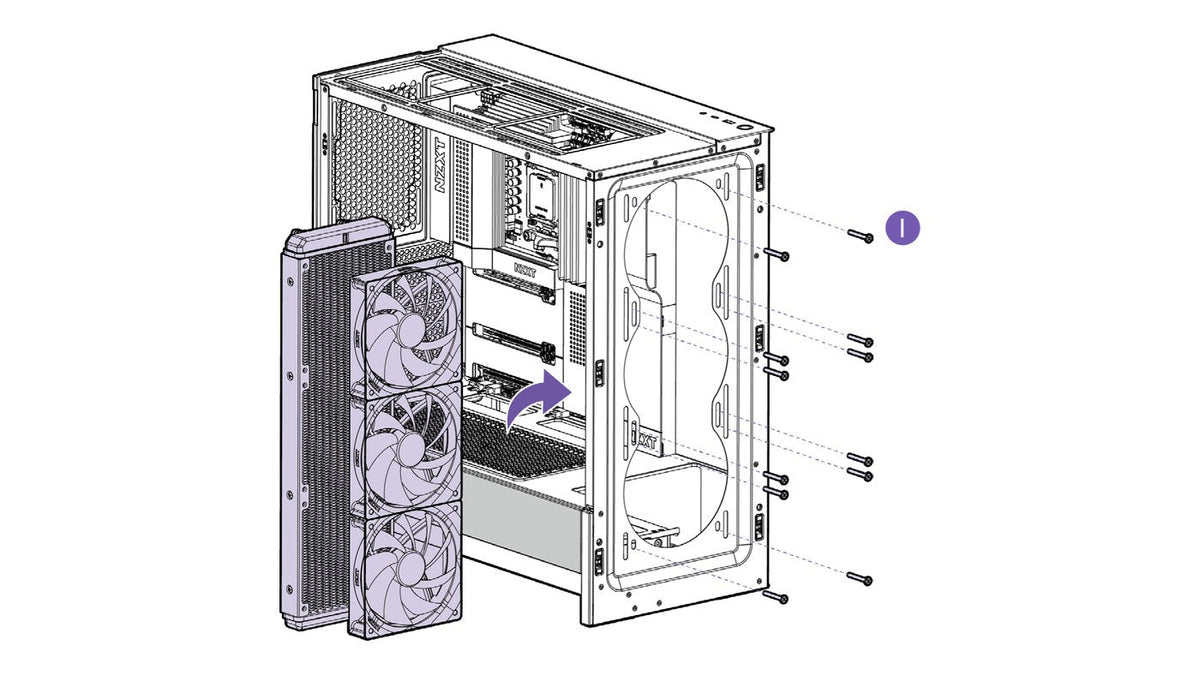
A standard AIO install uses one set of fans. NZXT recommends mounting the radiator in the top of the case with its fans in push, exhausting air up through the radiator and out of the case. Push-pull is an extra on top of that.
How much does push-pull lower temperatures?
A little. A second set of fans adds pressure that helps force air through dense radiator fins. Most of the time the result is a few degrees at most. The benefit is biggest on thick radiators and at low fan speeds.
The more useful way to think about it: because two sets of fans share the work, both can run slower for the same cooling. So the payoff is often lower noise rather than lower temperatures. If your build is already quiet and your temps are comfortable, there isn't much left for push-pull to give.
How much space does push-pull need?
This is where most builds run into trouble. Radiators and standard fans are each typically 25-30mm thick. Stack a radiator with a fan on each side and you need somewhere around 75-90mm of depth at that mounting position. Up top, that stack also has to clear the motherboard's rear I/O, power connectors and VRM heatsinks below it.
NZXT lists the maximum combined radiator and fan thickness for the top of each case. Here's what each current case fits up top:
| Case | Top radiator + fan thickness | Best setup up top |
|---|---|---|
| H9 Flow | Up to 80mm with 120mm-based radiators (120, 240, 360). Up to 62mm with 140mm-based radiators (140, 280, 420) | A 420mm radiator with one set of fans. Push-pull fits on a 360mm radiator if your radiator and fans are slim enough |
| H3 Flow | Up to 70mm | A 240mm radiator with one set of fans |
| H6 | Up to 67mm | A 360mm radiator with one set of fans |
| H6 Flow | About 60mm | A 360mm radiator with one set of fans |
| H7 Flow | Up to 57mm (140mm and 280mm radiators) | A 360mm radiator with one set of fans |
| H5 Flow | Up to 55mm | A 240mm radiator with one set of fans |
If your case isn't listed, find the radiator and fan thickness line in its spec sheet and add up the parts you plan to use before you buy anything.
What about push-pull in the front?
In the front, the extra depth usually comes out of your graphics card clearance instead. Every millimeter of fan and radiator you add there is a millimeter your GPU can't use.
NZXT's H7 (2022) FAQ puts numbers on it: that case takes GPUs up to 400mm long, but a front push-pull setup brings it down to around 340mm. The H9 Flow lists the same trade-off, with GPU length up to 459mm when the front fans are under 56mm thick and 410mm with a 56mm-thick 420mm AIO and fans in the front. Measure your graphics card and check it against the reduced figure before you add a second row of fans.
Is a bigger radiator better than push-pull?
Usually, yes. Moving from a 240mm to a 360mm radiator adds a whole extra fan's worth of radiator surface, which does more for temperatures than a second row of fans on the smaller radiator. It's simpler too: fewer fans, fewer cables and no clearance math. Our guide to 240 vs 280 vs 360 vs 420mm AIOs covers which size fits which CPU and case.
Push-pull makes the most sense when you're already running the biggest radiator your case can take and you want the same cooling with less noise.
How do I set up push-pull correctly?
If you have the room, a few rules keep it working:
- Point every fan the same way. Both sets should move air in one direction through the radiator. Fans facing each other just fight.
- Match the fans. Use the same model on both sides so they spin at similar speeds on the same fan curve.
- Plan your fan headers. Push-pull on a 360mm radiator means six fans. Check what your headers can power before you plug them all into one. Our guide to how many fans you can run per motherboard header covers the limits.
- Get the right screws. The fans on the far side need long screws that pass through the fan into the radiator. The Kraken Core 240 includes extra long screws for push-pull.
- Keep the pump rule. Wherever the radiator goes, its highest point has to stay above the pump cap. Our guide to where to mount an AIO radiator explains why.
For the rest of the install, from the pump cap to the fan cables, see how to install an AIO liquid cooler.
Frequently asked questions
Can I run push-pull on a 420mm radiator in the H9 Flow?
No. With 140mm-based radiators the H9 Flow's top fits up to 62mm of combined radiator and fan thickness, which isn't enough for a 420mm radiator with fans on both sides. A 360mm radiator can work, depending on how thick your radiator and fans are.
Can I do push-pull in the H3 Flow?
Not officially. The H3 Flow is built to be compact and doesn't support push-pull with most standard 25-30mm radiators and fans.
Is push-pull louder?
It can be quieter. Because two sets of fans share the work, you can run both slower for the same temperatures. Run them all at full speed and you'll hear every one of them.
Should push-pull fans be intake or exhaust?
Either works, as long as both sets point the same direction. For a top mount NZXT recommends exhaust, moving air up through the radiator and out of the case. For how that fits into airflow across the whole case, see how many case fans you need.
Is push-pull worth it on a 240mm radiator?
It helps a little, but a bigger radiator helps more. If your case can take a 360mm radiator, that's the better upgrade.
Does push-pull change which way the tubes should face?
No. Tube orientation is mostly down to looks and cable routing, with no major performance difference between tubes up and tubes down. What matters is keeping the top of the radiator above the pump cap.
Need a hand?
Not sure your case has the room? Send our team your case model, your radiator and your fans and they'll help you check the fit. Reach them at NZXT Support.