Connexion


Guides

How to Install an AIO Liquid Cooler, Step by Step
An AIO install comes down to the same six steps every time. Here's each one, from the backplate to the BIOS setting that keeps your pump healthy.
En savoir plus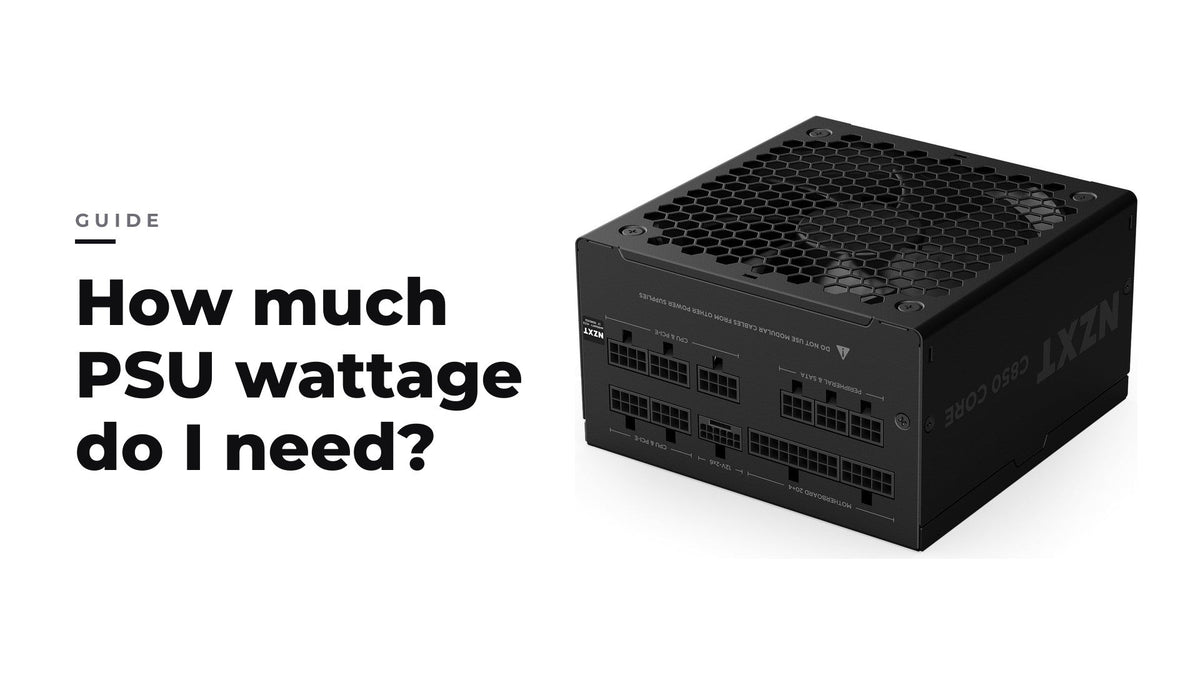
De quelle puissance d'alimentation ai-je besoin ?
Additionnez la puissance nominale de votre CPU et de votre GPU, ajoutez une réserve pour le reste du système, puis choisissez une alimentation qui fait tourner votre charge habituelle vers le milie...
En savoir plus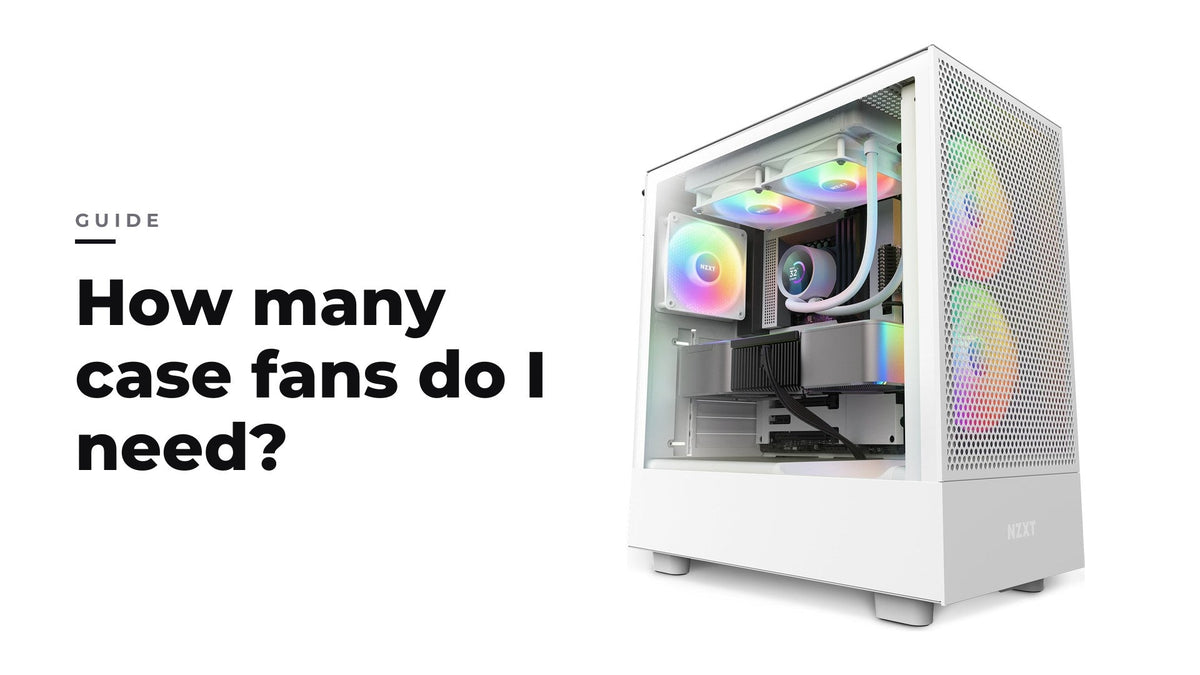
Combien de ventilateurs de boîtier me faut-il ?
Trois à quatre ventilateurs bien placés, avec un peu plus d'admission que d'extraction, suffisent pour la plupart des configs gaming ; le placement compte plus que le nombre.
En savoir plus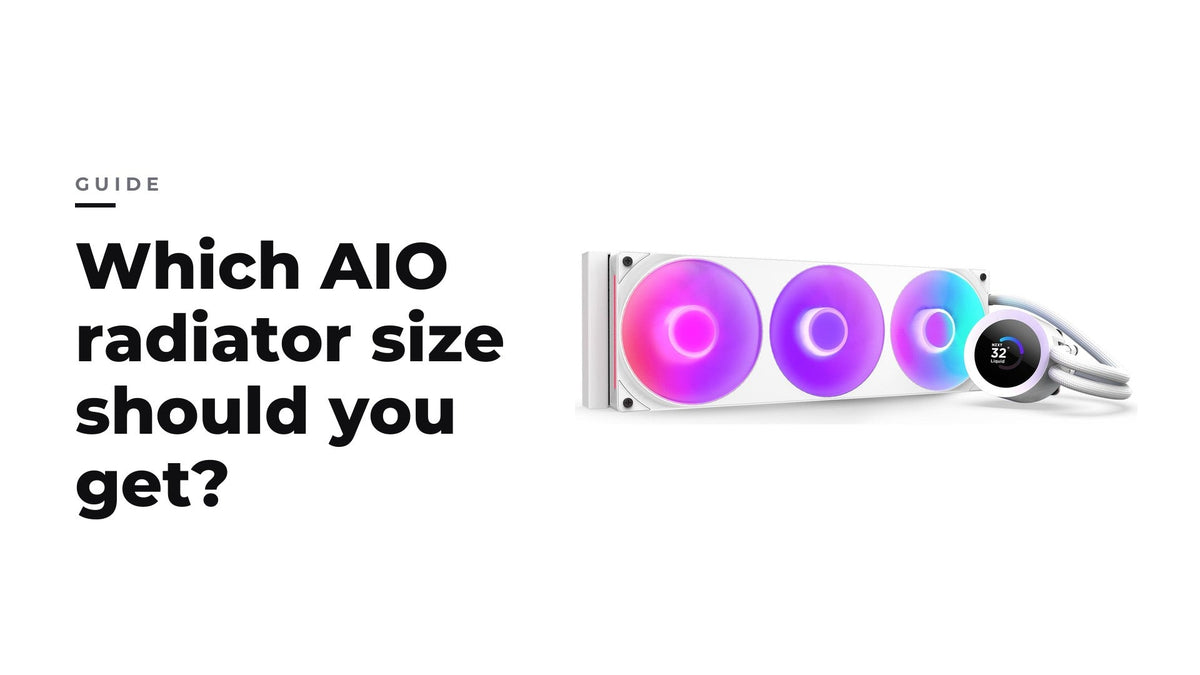
AIO 240, 280, 360 ou 420 mm : quelle taille de radiateur choisir ?
Pour la plupart des configs gaming, un AIO de 280 ou 360 mm est le meilleur choix ; le 240 mm convient aux configs compactes et le 420 mm aux boîtiers qui ont la place.
En savoir plus
Quelle taille de boîtier PC me faut-il ?
Le format de votre carte mère fixe la taille minimale du boîtier ; la longueur du GPU, la hauteur du refroidisseur et la prise en charge des radiateurs déterminent le reste.
En savoir plus
Qu'est-ce qu'un boîtier PC à double chambre ?
Un boîtier à double chambre déplace l'alimentation et les câbles dans un compartiment arrière : il gagne en largeur sur le bureau, mais simplifie la gestion des câbles et dégage la chambre principale.
En savoir plus
How to Enable XMP or EXPO (and Whether You Should)
Most memory does not run at its advertised speed out of the box. Turning on the profile takes about a minute. Here is what you gain and what it costs.
En savoir plus
Where Should You Mount an AIO Radiator? Top, Front, or Bottom
Radiator placement affects how long your cooler lasts, not just how cool it runs. Here is the rule that matters and why bottom mounting causes problems.
En savoir plus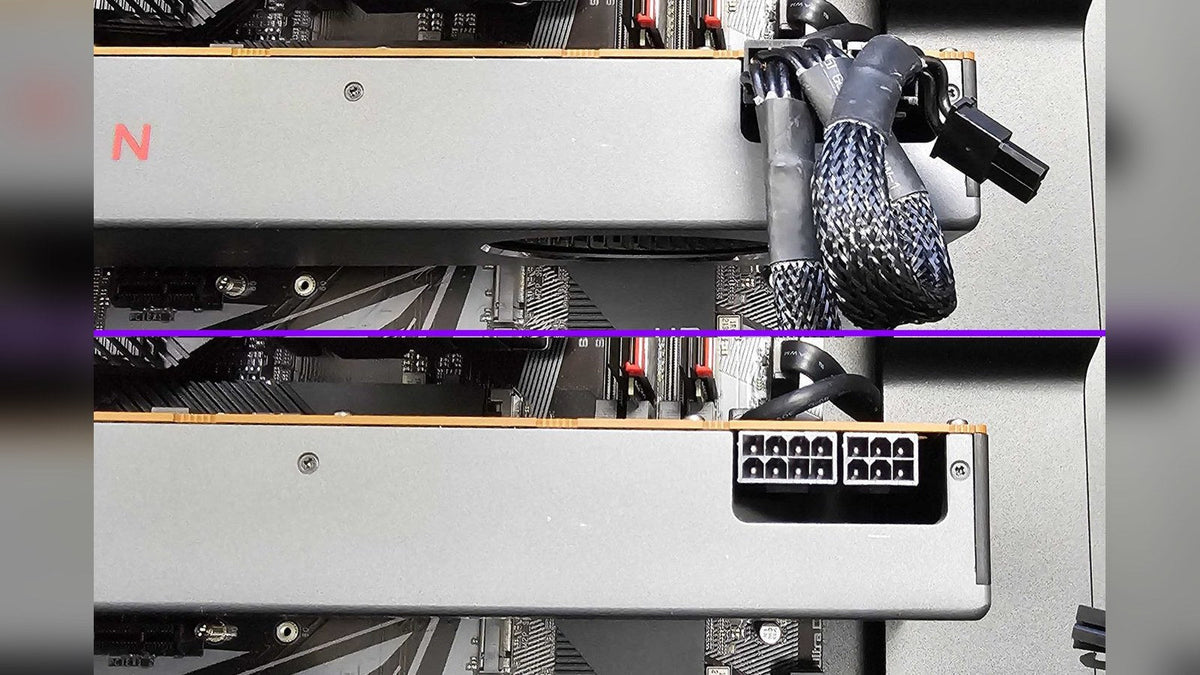
Why Is My Graphics Card Whining? Coil Whine Explained
One of the few PC noises that genuinely is not a problem, and one of the most alarming to hear on a brand new machine.
En savoir plus
Motherboard Debug LEDs and POST Codes Explained
The most underused diagnostic tool on a motherboard. It turns a guessing game into a specific answer in about five seconds.
En savoir plus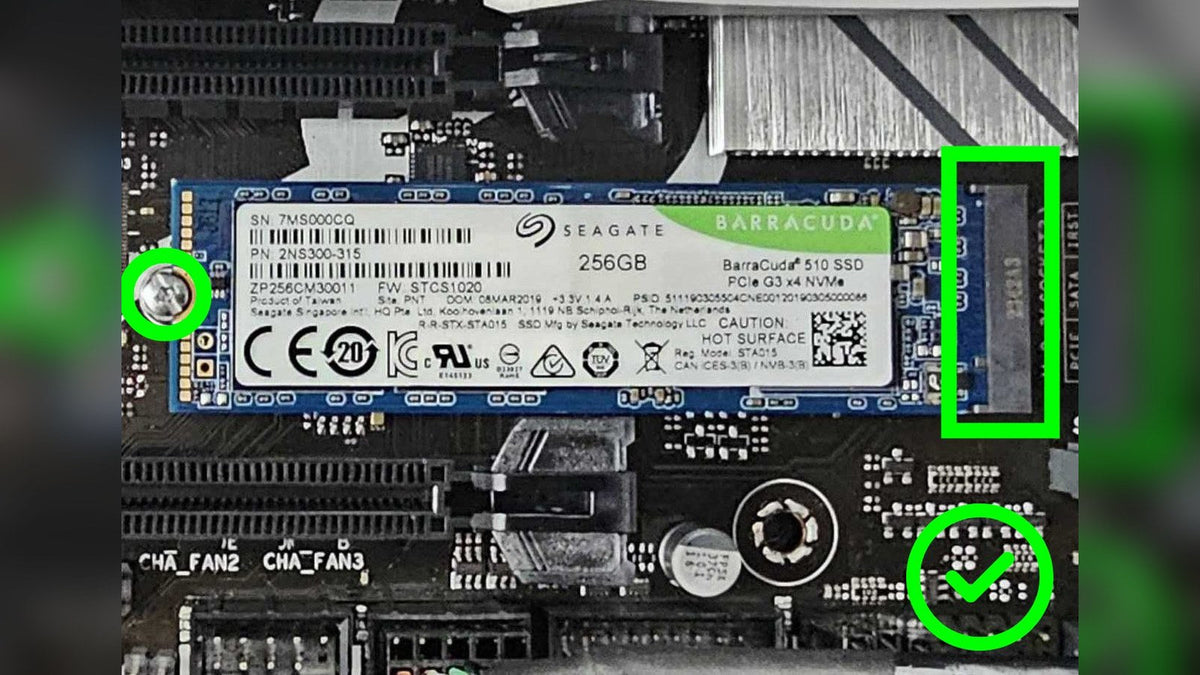
How to Add Storage to Your PC: M.2, SATA and External
The easiest upgrade there is, and the one most likely to be needed at short notice when a game update balloons past your free space.
En savoir plus
Is My AIO Cooler Failing? How to Diagnose It
An AIO has only three places it can fail, and you can check all of them in about ten minutes without removing anything.
En savoir plusRecently viewed products